It's 11 PM, your college project is due tomorrow, and suddenly your code stops working. It was running perfectly an hour ago, but one small change has messed everything up. Now your folder is filled with files named final, final_new, and final_new_2_REAL.
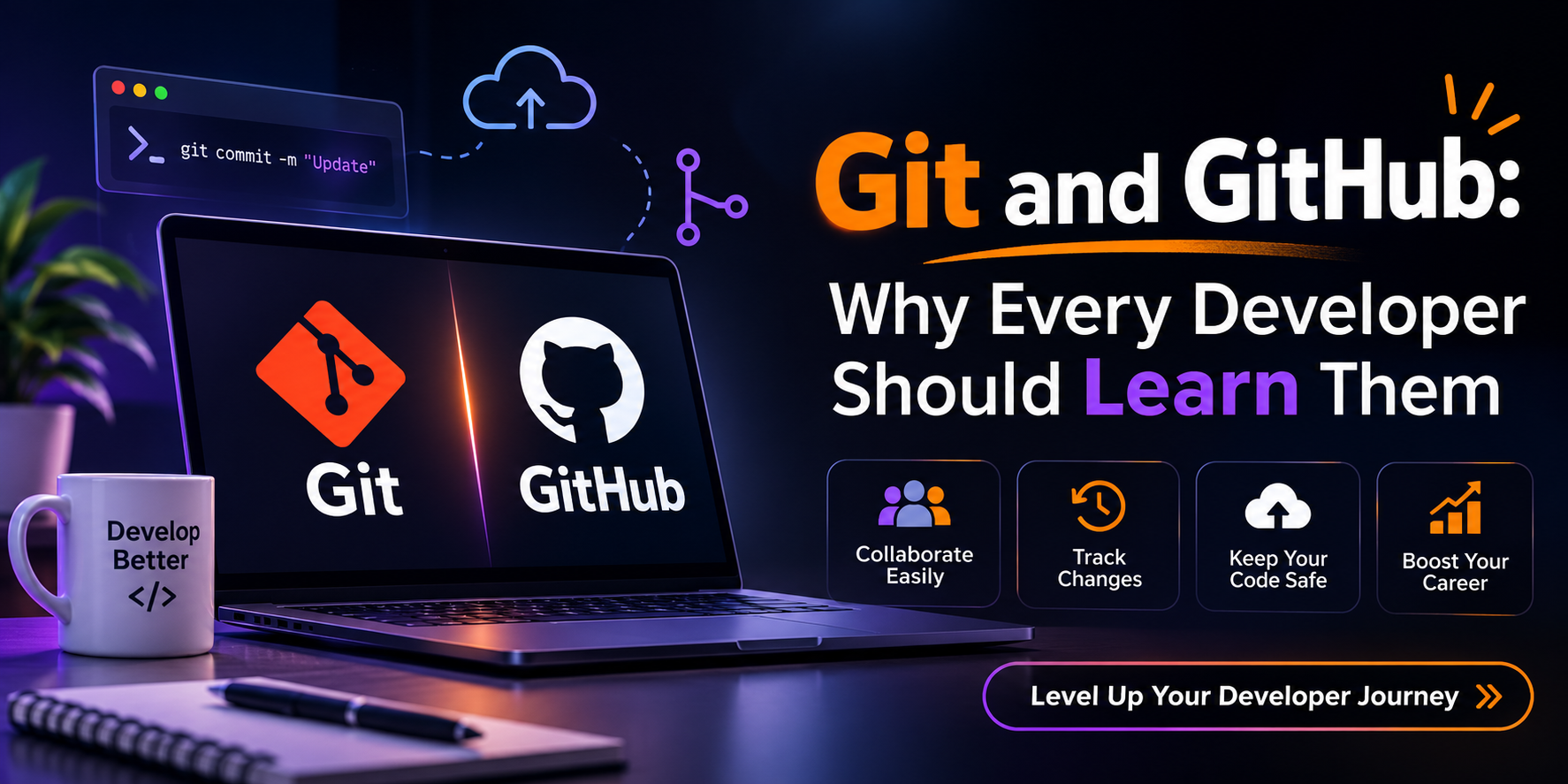
Sounds familiar? This is where Git and GitHub come in. Git helps you track code changes and return to an earlier working version whenever something goes wrong. GitHub takes it a step further by letting you store your code online, collaborate with other developers, and share your projects.
In this guide, we'll explore what Git and GitHub are, how they differ, the commands developers use regularly, and why learning them can make a difference in your development career.
Why this matters in 2026
GitHub's Octoverse 2025 report says more than 36 million developers joined the platform in one year, and over 180 million now build on it. India added more than 5 million of them, over 14% of all new accounts.
When that many people arrive every year, a public GitHub profile with a few well-kept projects becomes the normal way to show your work.
What is Git?
Git is a version control system. In plain words, it saves snapshots of your project over time. Each snapshot is a commit. You can return to any earlier commit, compare versions, or try a risky idea without damaging working code.
Git runs on your computer and needs no internet. It is free and open source. The Pro Git book is the best free reference once you finish this article.
| Term | Meaning |
|---|---|
| Repository (repo) | A project folder Git tracks |
| Commit | A saved snapshot with a message |
| Branch | A separate line of work, like a safe copy |
| Merge | Combining one branch into another |
| Remote | A copy of the repo hosted elsewhere |
| Clone | Downloading a full copy of a remote repo |
What is GitHub?
GitHub is an online platform that hosts Git repositories. It adds what Git alone lacks: sharing, pull requests for code review, issues for tracking bugs, and automation through GitHub Actions.
What is the difference between Git and GitHub?
| Git | GitHub | |
|---|---|---|
| Type | Version control tool | Online hosting platform |
| Runs | On your computer | In the cloud |
| Needs internet | No | Yes |
| Main job | Track changes | Share, review, collaborate |
| Alternatives | Mercurial, SVN | GitLab, Bitbucket |
Git is the engine. GitHub is the garage where everyone parks and shows off their cars. You can run the engine without the garage, but not the reverse.
Why should every developer learn Git and GitHub?
It removes the fear of breaking things. When every working state is saved, experiments cost nothing.
Teams cannot work without it. Three people editing one login page would overwrite each other. With Git, each works on a branch and changes are combined carefully.
It is your public portfolio. A recruiter cannot see the effort behind a PDF. They can read your commit history and see how you think and fix mistakes.
Modern tools assume it. Deployment, code review, automated testing, and open source all start from a Git repository.
Git version control for beginners: your first repository
Install Git from git-scm.com, then set your identity.
git config --global user.name "Your Name"
git config --global user.email "you@example.com"
git config --global init.defaultBranch main
Create a project and start tracking it.
mkdir student-portfolio
cd student-portfolio
git init
echo "# My Portfolio" > README.md
git add README.md
git commit -m "Add README with project title"
git log --oneline
git init creates a hidden .git folder that stores the whole history. Git never saves files automatically. git add moves a file into the staging area, a waiting room for the next commit. git commit saves everything in that room permanently.
Write messages that say what changed and why, such as Fix login redirect when password is empty. A message like fixed stuff helps nobody, including you in three months.
Branches: the feature that changes how you work
Say you want to add dark mode, but you do not want half-finished code mixed into the version that works. Create a branch.
git switch -c dark-mode
# edit files, then add and commit as usual
git switch main
git merge dark-mode
Older tutorials use git checkout. It still works, but Git 2.23 (August 2019) introduced git switch and git restore to split its many jobs into clearer commands. Beginners find them harder to misuse.
Merge conflicts
Sometimes a merge stops because both branches edited the same line. This is normal, not a bug in your code. Git marks the file like this:
<<<<<<< HEAD
<h1>Welcome to my portfolio</h1>
=======
<h1>Hi, I am Riya, a web developer</h1>
>>>>>>> dark-mode
Keep the version you want, delete the three marker lines, then run git add index.html and git commit. Your first conflict feels alarming. By the third it feels like proofreading.
Undoing mistakes safely
| Situation | Command |
|---|---|
| Discard unstaged changes to a file | git restore index.html |
| Unstage a file but keep edits | git restore --staged index.html |
| Fix your last commit message | git commit --amend |
| Undo a commit with a new opposite commit | git revert <commit-id> |
Be careful with git reset --hard. It deletes uncommitted work permanently. Until you are comfortable, prefer git revert, which keeps history intact.
Connecting to GitHub
Create an empty repository on GitHub, then link your project to it.
git remote add origin https://github.com/your-username/student-portfolio.git
git push -u origin main
origin is the usual nickname for your remote. The -u flag remembers it, so later git push is enough.
GitHub no longer accepts account passwords for HTTPS Git operations. Use a personal access token, an SSH key, or the GitHub CLI command gh auth login, which is usually easiest for beginners.
To copy someone else's project: git clone https://github.com/owner/project.git
How teams use GitHub: the pull request flow
- Create a branch for one task, such as
fix-navbar-bug. - Commit your changes and push the branch.
- Open a pull request so teammates can review before it joins
main. - Reviewers comment, you adjust, and it is merged.
git switch -c fix-navbar-bug
git add .
git commit -m "Fix navbar overlapping on small screens"
git push -u origin fix-navbar-bug
Review catches bugs before users see them, and reading comments on your own pull request is some of the best free teaching available.
Mistakes that hurt
Never commit secrets. API keys, passwords, and .env files must stay out of your repository. Create a .gitignore before your first commit.
node_modules/
.env
.DS_Store
If you push a secret by accident, deleting it in a new commit is not enough because it stays in history. Treat the key as stolen and generate a new one immediately. See GitHub's secret scanning documentation for the protections available.
Commit small and often. One commit per idea is far easier to review and undo than one giant commit at the end of the week.
Is Git and GitHub necessary for getting a developer job?
Honestly, no law requires it, and knowing Git will not guarantee an interview. But Git is so common in software teams that employers generally treat it as a basic skill. Not knowing it raises questions early in hiring.
I cannot give you a verified percentage of job posts that mention Git, so I will not invent one. Check it yourself: open ten developer job listings that interest you and count how many mention Git, GitHub, or pull requests.
For freshers, a GitHub profile matters most. Three small but complete projects with clear READMEs and steady commits show initiative that a resume line cannot. Two finished projects beat five abandoned tutorial copies.
How to learn Git and GitHub step by step for beginners
Week 1: Local Git. Practise init, add, commit, status, and log` on a small project. Read the first three chapters of Pro Git.
Week 2: Branches and merging. Branch for every small change. Cause a merge conflict on purpose and fix it.
Week 3: GitHub. Push a project, write a proper README, and clone it into a second folder.
Week 4: Collaboration. Work with a friend on one repository and review each other's pull requests. Then try a small open source contribution, such as a documentation fix. Look for the good first issue label.
Use Git on one real project from the first line of code. Tutorials teach commands, but a real project teaches judgment.
Final thoughts
Git and GitHub for developers is basic equipment, like a notebook for a student. The commands look strange for about a week, then become automatic.
Start today. Make a folder, run git init, write one small program, and commit it. Do it again tomorrow. A short history of honest work beats any certificate.
FAQ
Q1. What is the difference between Git and GitHub?
Ans. Git is a free tool on your computer that tracks file changes. GitHub is an online platform that hosts Git repositories and adds collaboration features.
Q2. Do I need GitHub if I already use Git?
Ans. Not for personal use, but you need a hosting platform to back up, share, and collaborate. GitLab and Bitbucket also work.
Q3. How long does it take to learn Git?
Ans. Daily commands take most learners one to two weeks of regular practice. Comfort with conflicts and undoing mistakes comes from real project use.
Q4. Is git checkout outdated?
Ans. It still works, but since Git 2.23, git switch and git restore handle its common jobs more clearly.
About the author
- 𝐓𝐈𝐒𝐀‑𝐓𝐄𝐂𝐇 is an 𝐀𝐈-𝐩𝐨𝐰𝐞𝐫𝐞𝐝 𝐭𝐫𝐚𝐢𝐧𝐢𝐧𝐠 𝐢𝐧𝐬𝐭𝐢𝐭𝐮𝐭𝐞 that helps students learn modern technologies in a simple and practical way. Our goal is to make learning easy and prepare you with job ready skills. 📚𝐖𝐡𝐚𝐭 𝐖𝐞 𝐎𝐟𝐟𝐞𝐫 We provide six AI powered courses that cover today’s most important skills: 𝐀𝐈 𝐚𝐧𝐝 𝐌𝐚𝐜𝐡𝐢𝐧𝐞 𝐋𝐞𝐚𝐫𝐧𝐢𝐧𝐠 🤖 𝐅𝐮𝐥𝐥 𝐒𝐭𝐚𝐜𝐤 𝐃𝐞𝐯𝐞𝐥𝐨𝐩𝐦𝐞𝐧𝐭 💻 𝐂𝐥𝐨𝐮𝐝 𝐂𝐨𝐦𝐩𝐮𝐭𝐢𝐧𝐠 ☁️ 𝐃𝐢𝐠𝐢𝐭𝐚𝐥 𝐌𝐚𝐫𝐤𝐞𝐭𝐢𝐧𝐠 📈 𝐆𝐫𝐚𝐩𝐡𝐢𝐜 𝐃𝐞𝐬𝐢𝐠𝐧𝐢𝐧𝐠 🎨 𝐔𝐈/𝐔𝐗 𝐃𝐞𝐬𝐢𝐠𝐧𝐢𝐧𝐠🖌️
Comments
Join the discussionNo comments yet. Be the first to comment.